
Courses & training
Training centre admin without the paperwork
Courses handles the structured training your club runs: RYA levels, junior weeks, powerboat, adult improvers and anything else with a syllabus and a certificate at the end. Describe each course once, then run it as often as you like as dated schedules that members and the public book and pay for online.
Every club starts with the full RYA catalogue.
National scheme levels, powerboat, windsurfing, instructor tickets and the supporting certificates, already loaded and linked to the courses that award them. Switch off anything your club doesn't run.
The safeguarding check happens as you assign, not in an audit.
Tick that a course involves juniors and the instructor picker shows who has verified DBS and safeguarding training on file. Choosing someone who isn't cleared takes a deliberate confirmation, while you're building the course rather than months later.
Passing a learner awards the qualification itself.
It lands on their record, dated and attributed to whoever certified it, with no certificates spreadsheet to update. That record then decides who may enter a particular event or hire a particular boat.
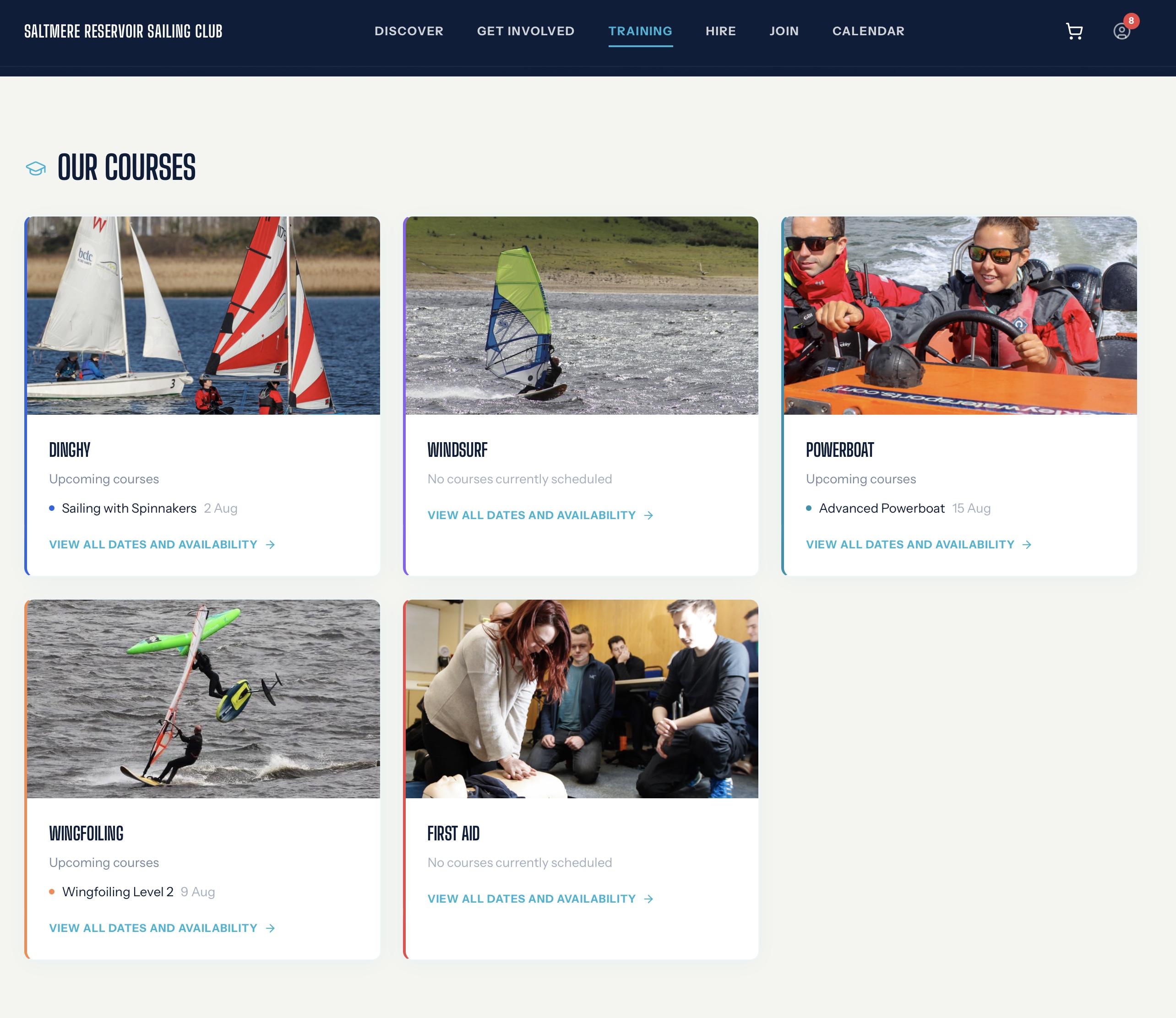
From listing a course to issuing the certificate
- Describe the course once and run it as often as you like: the course holds the name, description, category, the qualification it awards and any terms a booker accepts, while each schedule carries the actual dates, a label such as “Spring 2026”, member and visitor prices, the places and the lead instructor
- Build multi-day courses properly: a schedule carries as many dates as the course needs, each with its own times and location, so a two-weekend Level 2 is one bookable thing rather than four entries people can half-book
- Fill the places online: members book from their portal and the public books from your club website without an account, with separate member and visitor pricing, or a schedule kept members-only
- Take payment in one basket: several courses paid for together through Stripe, with capacity enforced, double-booking blocked, non-members captured as contacts in your CRM, and a club-branded confirmation sent
- Run the register: everyone booked on one screen with their reference and payment status, attendance marked session by session, learners messaged, a booking withdrawn with a refund preview before you commit, and each learner marked passed or not passed
- Show the whole programme: a training calendar for the season, published courses on your club website, fill rates on the committee dashboard so you can see what needs a push, and course income in your reporting
- Handle the cancellation: if a schedule can't run, cancelling it withdraws every enrolment and refunds every paid place through Stripe in one action
Who courses help the most
Training Centre Principal
No more a season's programme rebuilt by hand, with places, registers and certificates in three different places.
Instructors
No more a paper register, and writing up who passed after everyone's gone home.
Safeguarding Officer
No more discovering months later that an uncleared instructor took a junior course.
Treasurer
No more asking the training team what has sold and what has been paid.
Learners and their families
No more booking by email, then chasing the club for proof of what you passed.
Courses and training are included in
- Essentialsnot included
- Clubincluded
- Club Proincluded
- The RYA qualification catalogue and the AI courses import are included in Club.
- Club Pro adds description drafting and member course recommendations.
The SailAI difference
Your existing programme is usually a spreadsheet, so the courses import wizard comes with courses rather than being reserved for the top tier. Upload it and SailAI recognises the RYA courses by name, links each to the right qualification from the catalogue, and reads the dates, times, prices, places and instructors into ready-made schedules. You review the proposed plan with anything uncertain flagged, and nothing is written until you approve it. On Club Pro, SailAI also drafts course descriptions and suggests relevant courses to individual members.
Discover SailAI →